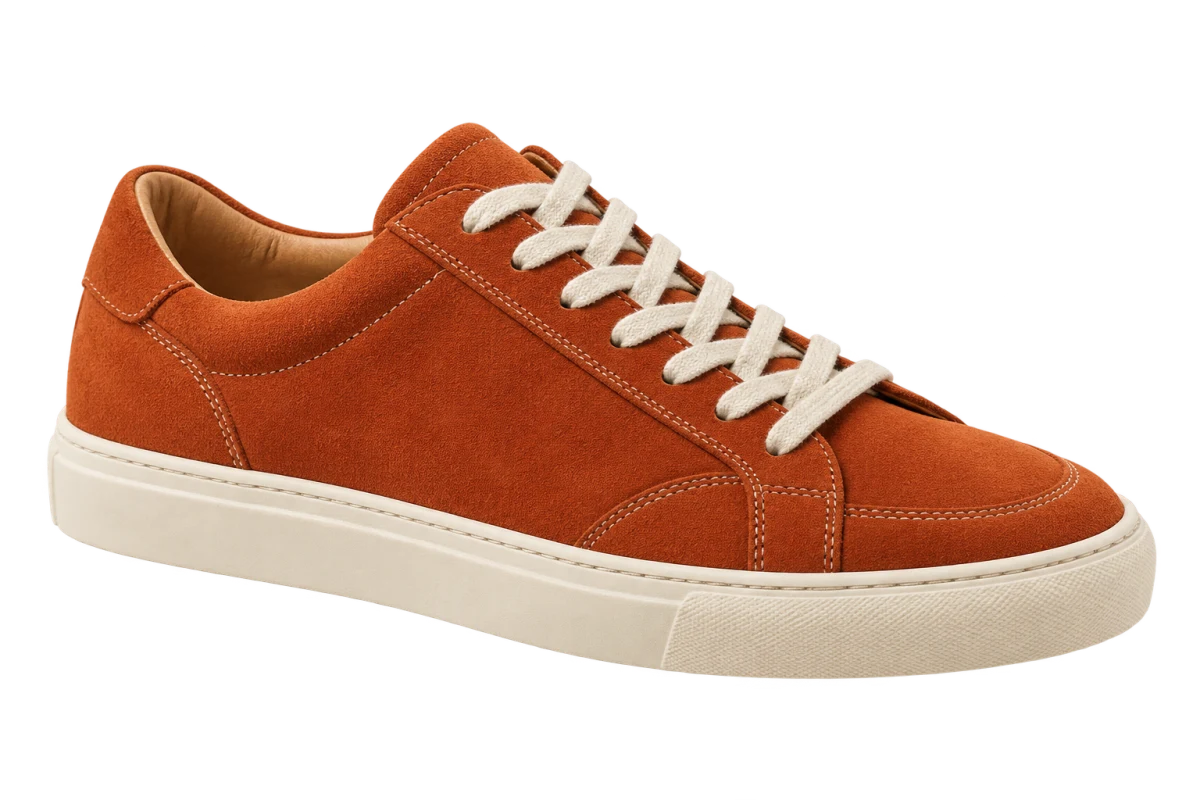
Choose an occasion and the pieces you will use
Start with a concrete plan, such as an outfit for a client meeting or a weekend away. Pick the piece you want to build around, then collect a top, a bottom, shoes and any accessory needed for that look. Use an editor that lets you move and resize separate images.
For a stylist’s selection, keep the exact product name, color and link beside each image. Mark pieces the client already owns. This keeps the board useful when someone asks which trousers you meant or whether the bag still needs to be bought.
Use photos that show the whole garment
A flat-lay or standalone product photo is easiest to arrange because the garment is already visible on its own. Match viewing angles where you can. A front-facing shirt and a pair of trousers seen from the front read more clearly together than a mix of front, back and side views.
A photo of someone wearing a coat will usually produce a cutout of the person wearing the coat. Background removal does not expose the fabric hidden behind their arms. Use a different product image when you need the coat by itself. Work from images you can use, and retain their credits or source links.
Copy the pieces onto your canvas
For normal web images accessible in Chrome, ClickCutout can prepare each cutout without saving the source first. Install it, allow image access and sign in with Google. Select PNG before copying so you keep a transparent background.
- Open the main product image, right-click and choose the Copy action in ClickCutout.
- Paste the result into your editor. If image pasting is unavailable, download the PNG and insert it.
- Place the top above the trousers or skirt, with shoes below and accessories beside the outfit.
- Resize using the visible garments as your guide, keeping their original proportions.
Swap one piece to make a useful comparison
Try a cream shirt, dark trousers and loafers on the first board. Duplicate it and replace the loafers with sneakers. Keep the clothing and layout unchanged. You can now discuss the footwear choice without two completely different collages competing for attention.
Leave enough space to see hems, shoe shapes and bag straps. If one item looks strangely large, check whether you matched the image boxes instead of the objects inside them. A lot of transparent space around a tiny shoe can make its file dimensions misleading.
Save a selection you can act on
Label alternatives clearly and keep the editable file. For a packing board, mark which pieces repeat across days. For a client, provide the item references separately if the exported picture will be too small to read them. The image should explain the combination without becoming a wall of product text.
Before buying or recommending a piece, check its actual measurements, material and color. A collage cannot show how a fabric hangs on a particular person or whether two whites match. Use it to narrow the options, then confirm those details with the garments themselves.