Start with a collection decision
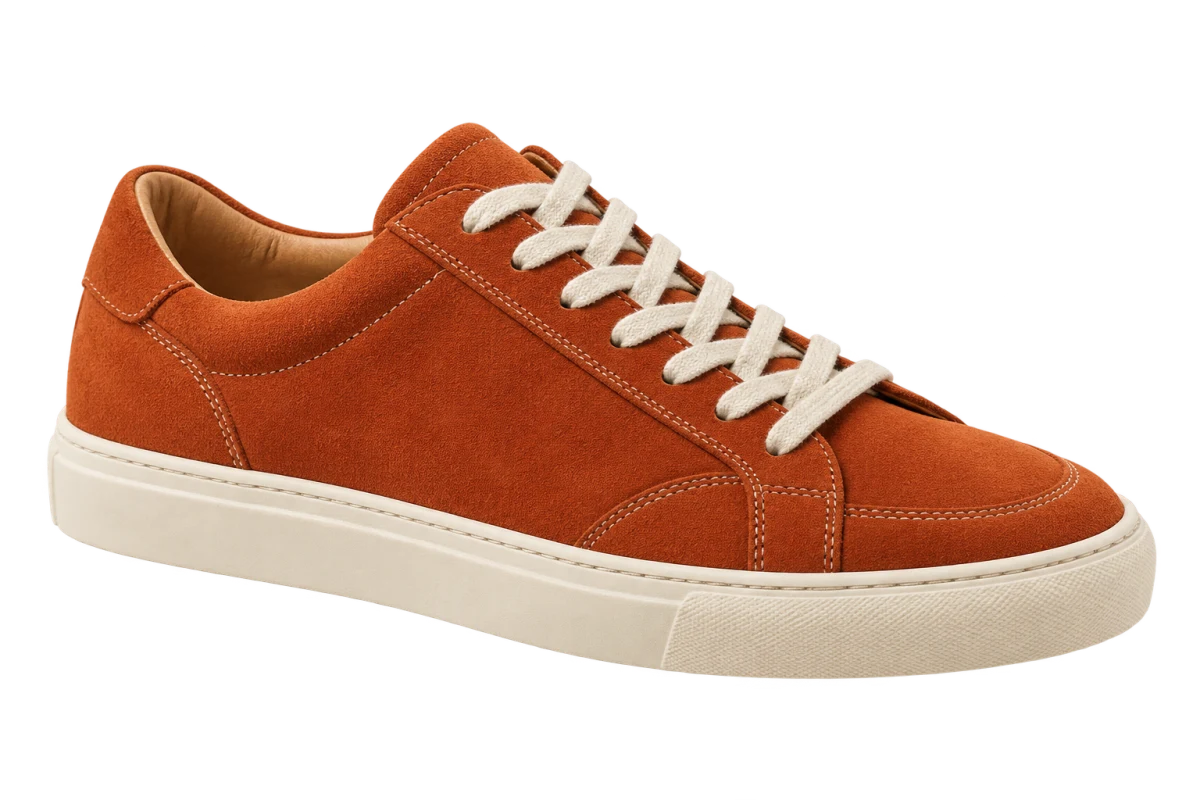
Write the question your board needs to answer before collecting more images. For example: can a short, structured jacket work with the soft shapes planned for a spring collection? That gives every reference a job. A sleeve can explain volume, a fabric close-up can suggest texture, and a shoe can set the weight of the look.
Leave space for a title, garment shapes, materials and color notes in whichever design editor you already use. These areas can overlap. The point is to make the relationship legible, so someone looking at the board can tell which detail you want to explore.
Separate the garment from the atmosphere
A clear product photograph is useful when you want the outline of a coat or the shape of a bag. A runway image is useful when you need to see drape, movement or proportions on a body. Removing its background will generally leave the person and clothing together; it does not turn a worn garment into a standalone product photograph.
Keep a fabric close-up rectangular. Cutting around a swatch often removes useful texture without helping the board. Keep the full scene too when its light, location or styling is the reason you saved it. For images you plan to reuse, retain the source link and the relevant permission or credit.
Bring web references into the board
For accessible images you are allowed to use, ClickCutout can remove the background from Chrome’s image menu. Install the extension, allow image access and sign in with Google. Choose PNG in its output settings so the background remains transparent.
- Open the largest useful version of the reference on its source page.
- Right-click the image, open ClickCutout and choose the Copy action.
- Paste into an editor that accepts image pasting. If it fails, use Download and insert the PNG file instead.
- Position the cutout beside the fabric or silhouette it needs to relate to. Keep its source reference nearby.
Try the same board with one different piece
Build a first version with the structured jacket, a wide trouser shape and a close-up of a soft fabric. Duplicate the board, replace only the jacket with a longer coat, and leave the other references in place. This makes it easier to discuss the effect of that silhouette without being distracted by a completely different arrangement.
Adjust the size of each cutout to explain your idea, but do not stretch the garment. Add a short note where the image is ambiguous, such as “sleeve volume” or “fabric texture only.” A color sampled from a web photo is a visual reference; confirm the actual fabric separately before making a material decision.
Check the details that carry the idea
Zoom in around straps, fringe, lace and the gaps between handles. Then zoom back out to the size at which the board will be discussed. A missing strap matters more than a tiny rough edge if the strap explains the design. Replace a weak source or refine the mask in an editor when an important detail is lost.
Keep the editable board and the transparent files for the references you retain. Export a review copy once the arrangement is readable. The next round of feedback can then change a sleeve, a shoe or a material without rebuilding the board.