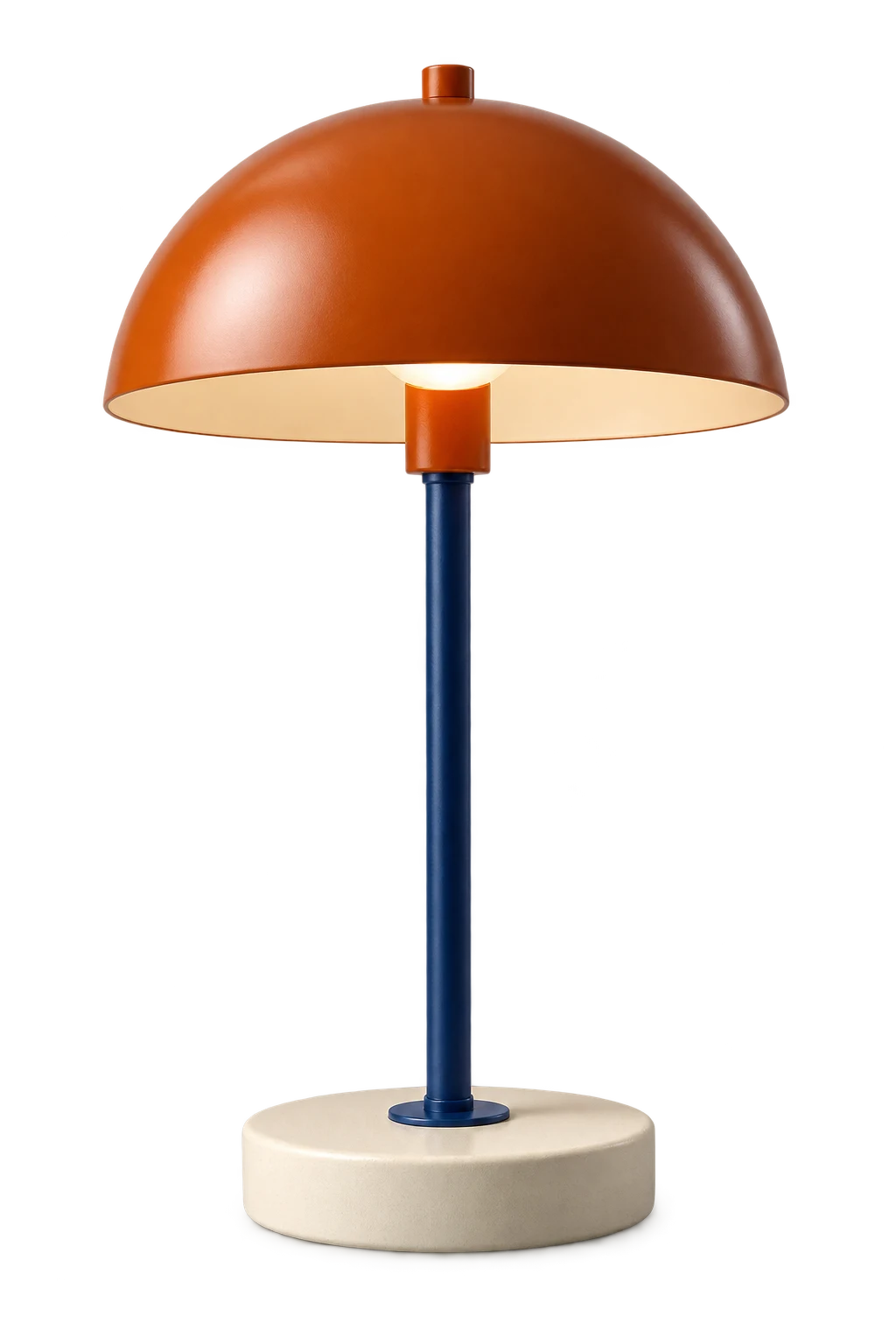
Turn a web product photo’s background white
Start with a clear, full-size photo on your own shop or a supplier’s page where you have permission to reuse the image. A screenshot of a catalog also includes labels and neighboring products, so open the individual photo first.
ClickCutout works on ordinary web images in desktop Chrome. For a local file, use your image editor’s background-removal or selection tool, then follow the white-layer method below.
- Open ClickCutout, sign in with Google and allow image access if this is your first use.
- Choose JPEG as the download format and set the background color to white (#FFFFFF). Settings save automatically.
- Right-click the source photo, open ClickCutout and choose Download with solid background (JPEG).
- Open the downloaded file. Check that the old background is gone, including spaces inside handles or between legs.
- Compare it with the other images in your shop before uploading. Crop and adjust the product’s scale in your usual editor if needed.
Already have a transparent PNG? Add white behind it
Open a canvas at the dimensions your shop requires. Add a solid white layer or rectangle that fills the canvas, place the transparent product PNG above it, and resize the product proportionally. Export a JPEG copy while keeping the PNG unchanged.
Putting white behind an opaque photo will not cover its original backdrop. Remove that backdrop first. Avoid simply brightening the whole photo until the background looks white: that also changes the product’s color and can erase detail in pale fabric or packaging.
Check the requirements of the place you’ll publish
A marketplace listing, a direct-to-consumer storefront, an email banner, and a wholesale sheet do not ask the same thing from a product image. Some channels prefer or require a plain background for the main listing. A branded storefront may use warm gray, color blocks, or transparent cutouts placed by the layout. Requirements also change, so check the current guidance for the channel you are publishing to.
Do not flatten every source to white before you know where it is going. A transparent master gives you options. You can place it on white for a marketplace, on a brand color for a campaign, and over a comparison table without repeating the cutout.
Keep a transparent master for reuse
Keep one transparent PNG per product and create separate copies for each use. For example, save lamp-orange-master.png, then export lamp-orange-shop.jpg on white and lamp-orange-banner.webp for a website banner. The names are up to you; the useful part is being able to find the transparent original again.
PNG is a dependable master when edge quality and broad compatibility matter. WebP can be useful for web delivery when the platform accepts it. Avoid using JPEG as the only master after removal, because its background becomes permanent and later color changes require another cutout.
Match product size and spacing across the grid
Put a row of product images next to one another. Are the objects roughly the same visual size? Do they sit on a shared baseline? Is the empty space consistent? A white background cannot hide a shoe that fills 95 percent of one frame and 60 percent of the next.
Decide a repeatable crop and scale before processing a large batch. Preserve natural holes and gaps inside the object. If you keep shadows, use them consistently; if you remove them, make sure the products do not look as if they float at different heights.
Imagine three lamps photographed with different margins. Insert each PNG into an identical canvas. Match the height of the visible shade and place the bases on the same line. Do not use equal file widths as your only rule: one image may contain more transparent space.
Keep proportions locked and leave room for the widest lamp. Compare the grid at thumbnail size, where customers will first see it. Then inspect handles, narrow stems and light-colored edges close up.
Check pale products, edges and final dimensions
A white mug or pale shirt can lose part of its edge during removal. Compare the result with the source, especially around handles, straps and light reflections. A white background should not change the product’s shape. If detail has disappeared, correct the mask in an editor or choose a source with better contrast.
ClickCutout preserves the source dimensions. It does not crop to a square, add space around the product or enlarge a small image. Make those layout edits in your usual editor, then check the final file at the size customers will see. Set ClickCutout back to PNG before your next download if that image needs transparency.