Prepare the image first
A supported desktop Office version can remove a picture’s background using its native tool.
If you are still choosing a permitted web image, set up ClickCutout with Google sign-in and image access. Select PNG, right-click the image and download the cutout. Insert that file into Word. For a local photo, work with Word or your image editor; ClickCutout’s public site is not a local-file upload tool.
Build a product sheet
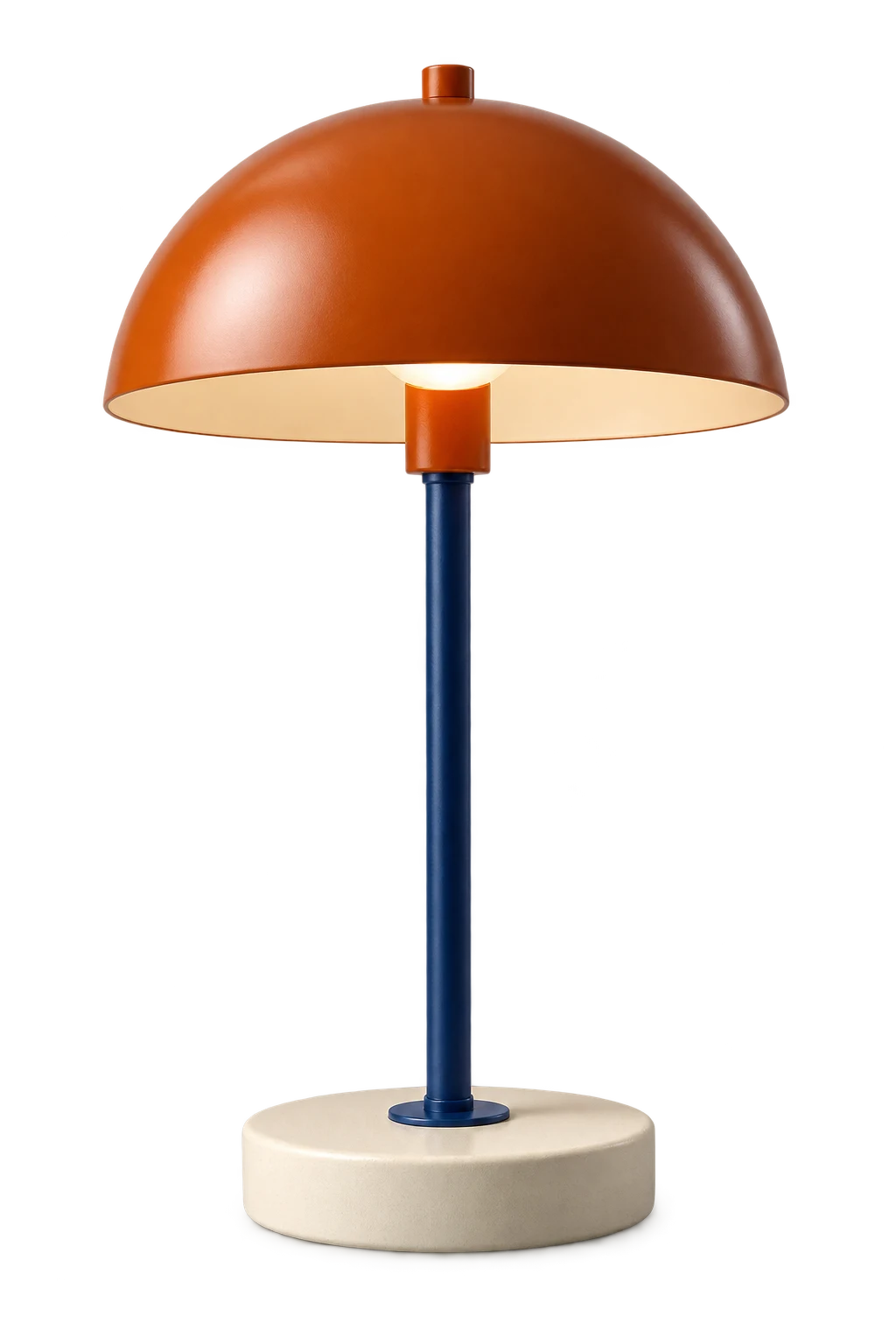
Suppose you need a lamp beside a paragraph describing its dimensions. Insert the PNG and start with an inline placement so its position follows the text. If you need text beside it, choose a wrapping option available in your Word version and check the next page too.
Keep the lamp’s proportions. Do not stretch a narrow product to fill a wide space. A file with large transparent margins may need cropping in your editor before it fits neatly.
Diagnose a white rectangle separately
Temporarily place the image over a colored shape. If the rectangle stays white, check whether the file contains transparency. Reinsert the downloaded PNG if a clipboard operation flattened it. If the image is transparent but moves unexpectedly, adjust layout rather than processing it again.
Before sending the document, inspect its exported PDF. Confirm the background, text wrapping and page breaks. Keep the original PNG so another editor can change the layout without repeating removal.
Insert a saved picture and check the layout
In Word, use Insert > Pictures and select the saved PNG from your device. Resize with a corner handle so the product keeps its proportions. Start with an inline picture if it should move with a paragraph; use another wrapping option only when the design calls for text beside it. Menu labels and wrapping controls differ across desktop and web versions.
For the lamp example, add one short paragraph above the picture and another below it, then check what happens at the page break. This separates a layout problem from an image problem. A cutout does not control paragraph spacing, page margins or the place where Word starts the next page. Keep the editable document and the original PNG alongside the exported PDF so you can change the text without preparing the image again.